

| Price | Free |
|---|---|
| Category | Tools |
| Version | 1.91 |
| Developer | Ritesh Sahu |
| Added | Aug 11th, 2010 |
| App Views | |
| Votes | 0 votes |
| Google Rating | |
| Ratings | 2116 |
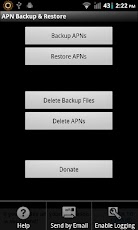
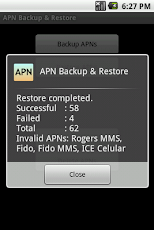
A simple App to backup and restore APNs (Settings to connect to the internet with the mobile connection). The backup is stored in the /sdcard/APNBackupRestore folder.NOTE: Starting with Android 4.0/ICS, 3rd Party apps don’t have access to write APN settings, hence this app no longer works for restoring APN backups as a normal app. You can convert it to a System app using Titanium Backup on a rooted phone and use. Instructions: – Open Titanium Backup – Go to backup/restore tab – Find APN Backup & Restore on the list – Long press on the app when you find it – Select Convert to system app – Open APN Backup & Restore – Click menu and disable ICS checkThanks to Joaquín for the instructions.Report any problems on my site or email me with details.
App Screenshots
Other Tools Apps





