
| Price | Free |
|---|---|
| Category | Personalization |
| Version | 2.0 |
| Developer | SEBI@home |
| Added | Feb 20th, 2011 |
| App Views | |
| Votes | 0 votes |
| Google Rating | |
| Ratings | 407 |
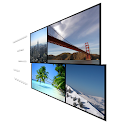
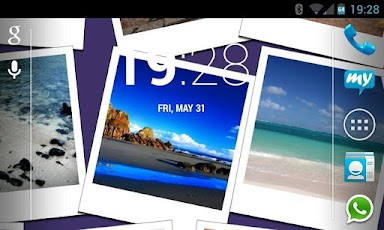
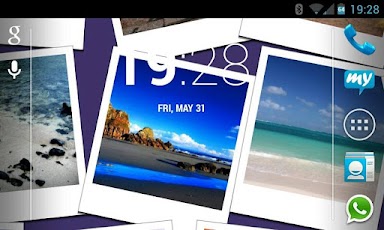
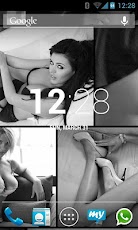
This application creates a photo wall that floats on your home screen. Use the camera, Facebook, WhatsApp or other pictures for your personal photo wall.About the settings can make the following changes:- your own directories for searching pictures- image size- image color effects (grayscale, sepia, magenta, yellow, red)- image styles (rounded corners, polaroid)- background color- horizontal image speed- vertical image speed- use of orientation sensor to control image speedAlso, specific images can be mixed:- landscape shots- movie wallpaper- nice girlsHow to set:1. Go to the home screen; 2. Press the menu button on the device; 3. Select "Wallpaper"; 4. Select "Live Wallpapers"; 5. Search for and select the Live Desktop " 6. Select "Settings" to see the settings, or select "Set Wallpaper" to activate it. Keywords:- live wallpaper- floating pictures- camera images- photo wall- facebook- whatsapp
App Screenshots
Other Personalization Apps


