
| Price | Free |
|---|---|
| Category | Tools |
| Version | 1.1.1 |
| Developer | PIONEER CORPORATION |
| Added | Apr 27th, 2012 |
| App Views | |
| Votes | 0 votes |
| Google Rating | |
| Ratings | 50 |
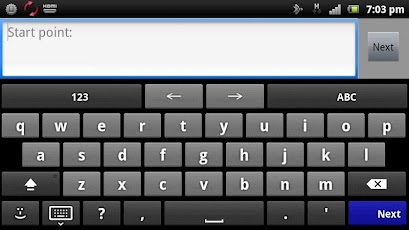
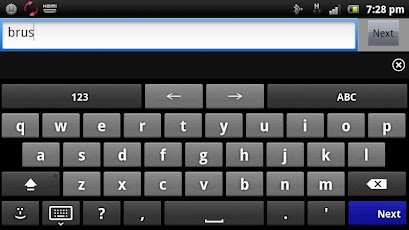
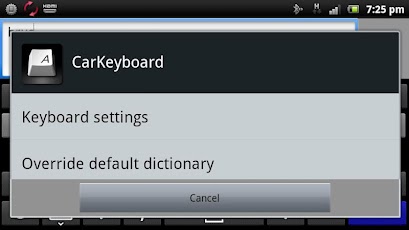
Compatible with Pioneer’s App Radio app, CarKeyboard allows you to input text directly from the 7" capacitive touchscreen display of the AppRadio(SPH-DA100). CarKeyboard is a customizeable multi-language keyboard that works in conjunction with the AppRadio app and can also be used as the default keyboard on your Android device.To activate: In Settings->Languages->tick CarKeyboardTo set as default: Long press in any text field, and select "Input method" or press the headunit’s settings button when in the AppRadio app.Main features:* Multi language keyboard support* Auto-completion dictionaries for multiple languages* Auto-completion of contact names as they’re being typed* Multi-touch support* Keyboard extensions (swipe your finger all the way up out of the keyboard)* Built-in dictionary editorCompatible modelsUSA/Canada: AppRadio 2 (SPH-DA100)Europe: AppRadio (SPH-DA100)NOTE: Android compatibility with the AppRadio (SPH-DA100) requires the Android device to meet certain hardware and software requirements. To view a full list of AppRadio compatible Android devices, please visit the URL below:USA/Canada: http://pioneerelectronics.com/AppRadioEurope: http://www.pioneer.eu/AppRadioSoftware End User License Agreementhttp://www.avicfeeds.com/avicfeeds/CarKeyboard/license/EULA_US.html
App Screenshots
Other Tools Apps





