
| Price | Free |
|---|---|
| Category | Finance |
| Version | 1.10 |
| Developer | Steve Norris |
| Added | Aug 11th, 2010 |
| App Views | |
| Votes | 0 votes |
| Google Rating | |
| Ratings | 90 |
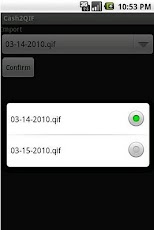
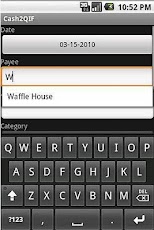
This is a simple expense tracking application that exports a .QIF file for Quicken. The file is created on the SD card and can be emailed.When importing into Cash2QIF, put the .QIF file you exported from Quicken into the /Android/data/com.cash2qif.www/files/ directory on the SD card. Turn off USB storage or disconnect the cable before importing.When importing into Quicken, for error message OL-221-A: Quicken was not able to complete your requestInstead of opening the .QIF file with Quicken Launcher, open Quicken first. Then select File > Import > QIF File. Not affiliated with Quicken or Intuit.High resolution icon is from:http://antialiasfactory.deviantart.com/with this license:Creative Commons (Attribution-Noncommercial 3.0 Unported)
App Screenshots
Other Finance Apps