

| Price | Free |
|---|---|
| Category | Tools |
| Version | 1.1b |
| Developer | App Faucet |
| Added | Apr 7th, 2012 |
| App Views | |
| Votes | 0 votes |
| Google Rating | |
| Ratings | 0 |
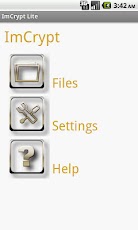
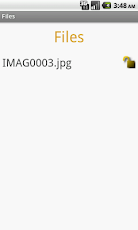
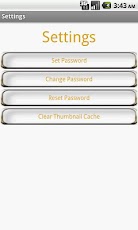
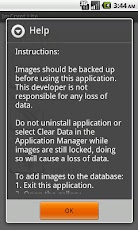
ImCrypt is an application that adds another layer of security, by encrypting your most sensitive images. Locking down your pictures, keeping them away from prying eyes!Important: Images should be backed up before using this application. This developer is not responsible for any loss of data. Do not uninstall application or select Clear Data in the Application Manager while images are still locked, doing so will cause a loss of data. Use at your own risk. Features added: – ability to add multiple images or videos to the database – ability to add pdf, text and video files to the databaseInstructions: To add images to the database: 1. Exit this application. 2. Open the gallery. 3. Open the desired album. 4. Select the image then press share. 5. Select the application ImCrypt Lite. 6. The image will be added to the database. To lock and unlock images. 1. Select the file button. 2. Select the image to be locked. 3. A drop down menu will show the lock and unlock options. 4. Select the lock or the unlock option. 5. A password dialog will appear. 6. Enter the correct password to complete the task. 7. Exit out of the gallery app to refresh thumbnails. 8. If the picture thumbnails are still shown in the gallery, press the clear thumbnail cache button in settings. Additional Tips: Images may be added to the database from a File manager. Select the image file, press share then activate ImCrypt Lite.
App Screenshots
Other Tools Apps





