
| Price | Free |
|---|---|
| Category | Personalization |
| Version | 1.4 |
| Developer | ZT.art |
| Added | Jan 24th, 2012 |
| App Views | |
| Votes | 0 votes |
| Google Rating | |
| Ratings | 940 |
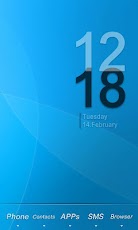
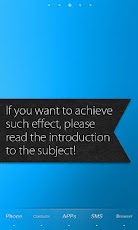
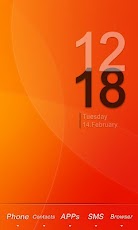
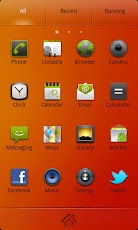
Follow the steps to achieve the effect in the preview screenshots. 1. Make sure you have installed GO Launcher EX. 2. Download and install Nanairo Theme GO Launcher EX.3. Click Menu > Themes, choose and apply Nanairo Theme. 4. You main screen interface will look like the third preview screenshot with 5 icons on the dock bar. Drag and place your Phone and SMS icon into the middle. Then long press Phone icon > Replace > Theme Icon, and choose the corresponding icon as shown in the red box of the third preview screenshot. 5. Apply Transparent Icon into the apps at the both side of the dock bar. Long press the left app icon > Replace > Theme Icon, then choose the transparent icon as shown in the blue box of the third preview screenshot.6. Done!(clock widget:BobClockD3)Unique Features:1. Visualize the special effects of the three app icons in dormancy model. You will find no other theme in this style currently. 2.There are 7 species of different color wallpapers.
App Screenshots
Other Personalization Apps


