

| Price | Free |
|---|---|
| Category | Tools |
| Version | 1.0.5 |
| Developer | Gpc |
| Added | Apr 6th, 2012 |
| App Views | |
| Votes | 0 votes |
| Google Rating | |
| Ratings | 106 |
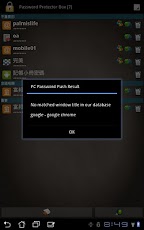
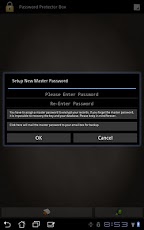
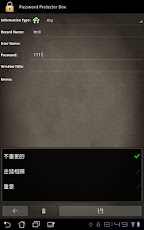
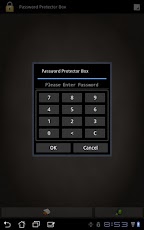
A reliable and simple password protection storage software, so you can safely store all account passwords.With the innovative design allows you to PUSH the username and password rapid and safe to PC.Focus on security and protection and it is committed to the improvement of user interface.100% Made in Taiwan, No AD, No Backdoor.Non-symmetrical encryption system, only you can unlock the encrypted data.1. Simple icon-based beautiful interface, support Android 1.5 ~ Android 4.0 with Tablet and Phone resolution2. Safe and reliable encryption system (non-symmetrical design)3. Push Password Up for PC (over the Internet)4. Store the password on the clipboard in AndroidPC Side needs install additional software, you can find the detail in the software description.The PC suit only support Microsoft Windows with .NET Framework 2.0 above.STEP BY STEP ABOUT "PC PASSWORD PUSH"(1). Download and install the PC side application from our web site.(2). Prepare available Internet connection on the PC and Android.(3). Executing the PC side application, log in with the device IMEI and the MASTER PASSWORD you setup in the Android.(4). Just click the "PC PASSWORD PUSH" in the Android.KEYWORD: Password Box Keeper Protection Protector PC Encryption Manager gpc
App Screenshots
Other Tools Apps





