
| Price | Free |
|---|---|
| Category | Photography |
| Version | 1.2 |
| Developer | Sami Heikkinen |
| Added | Oct 13th, 2012 |
| App Views | |
| Votes | 0 votes |
| Google Rating | |
| Ratings | 3 |
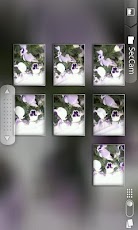
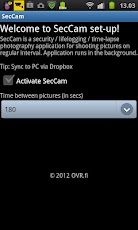
SecCam is a security / lifelogging / time-lapse photography application for shooting pictures on regular interval.Running SecCam is an intensive task for a phone as phone processor will be running at all times and phone is fully awake when taking a picture. You’ll note this as shorter battery life when SecCam is running.How to generate time lapse video:1. Install Dropbox to your PC & phone2. Activate Camera Upload (https://www.dropbox.com/help/289/en)3. Install SecCam4. Set time between pictures5. Run SecCam6. Start MovieMaker on PC7. Drag & Drop pictures from Camera Upload folder to MovieMaker8. Create & Share the video!
App Screenshots
Other Photography Apps