

| Price | Free |
|---|---|
| Category | Tools |
| Version | Varies with device |
| Developer | Roberto Leinardi |
| Added | Jan 27th, 2011 |
| App Views | |
| Votes | 0 votes |
| Google Rating | |
| Ratings | 579 |
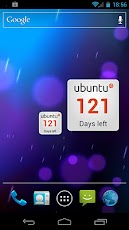
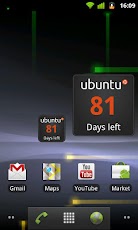
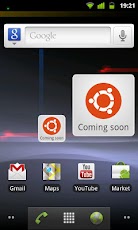
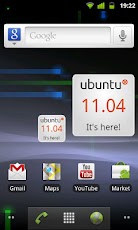
Keep an eye on the days remaining before the new Ubuntu release!Features: * Two square widgets (1×1 and 2×2) * Ability to set a custom date * Built with an eye on battery consumption (widget refresh at most twice a day) * Light and Dark themes * Good-looking (thanks to Martín Césare)******/! REMEMBER:Do NOT move widgets to SD: they must be installed on internal memory! Otherwise they will not be visible in the widgets list.******= How to add Widgets to the Home screen =Adding the Ubuntu Countdown Widget to your Android Home screen is easy! Just follow the instructions below: 1. On your Android Home screen press the MENU key and select "Add" or, alternatively, tap any blank/empty area and hold down your finger. 2. An "Add to Home screen" window will pop up. From that window, tap "Widgets". 3. Select one of the two "Ubuntu Countdown Widgets".= Acknowledgements =I would like to thank all of those who directly or indirectly contributed to the creation of this software.In particular, thanks to: * Martín Césare for creating all the software graphics. * Canonical for creating this wonderful GNU/Linux distribution.ubuntu-countdown-widget.googlecode.com
App Screenshots
Other Tools Apps





