
| Price | Free |
|---|---|
| Category | Productivity |
| Version | 4.3 |
| Developer | VonnieKinsey |
| Added | Oct 27th, 2011 |
| App Views | |
| Votes | 0 votes |
| Google Rating | |
| Ratings | 0 |
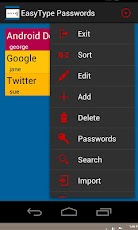
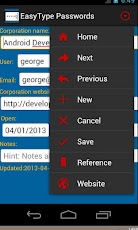
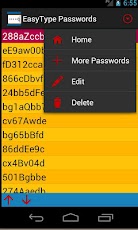
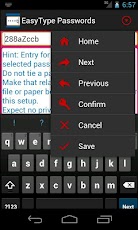
This app has a passport accounts, along with generates of unique easy-type passwords.Registry has a list of passports having information columns such as corporation name, user, email, website, notes. Passwords are not saved for security purposes. Write them on a separate document. A passport-id is used for reference. Once an account is selected, go to the paper book to find the actual password, by its passport-id.This method means if either are stolen, they are unusable. If the both are stolen or lost, the person who has possession must know how to link them up.The option to export is good for backup, in case database is corrupted. Occassionally, export the registry and copy the paper book. Put this hard-copies with other important papers. The passwords list is used for the plan of the next passwords to use, not assigned.Have no expectation of privacy on online devices.The Passport has an option to sort for five types. Sort by user sequence to order as user directs. For this sort, two image button appear at the bottom to request selection move up or move down.Search feature from menu makes the search text appear. Click the search button to have a list of the items of the search.PDF report is available from menu, with the actions of create report, see report, or display info of the pdf file.If a password is re-assigned, the paper book my not have room for the correction. Setup a new passport-id and reference back and forward into ref-from and ref-to on the passport edit. Select passwords for a list Easy-type passwords. Manipulate passwords list by re-arranging list order, changing password, or adding a note. Confirm the password to practice typing in order to help in selecting a password.
App Screenshots
Other Productivity Apps





