
| Price | Free |
|---|---|
| Category | Productivity |
| Version | 0.1.8 |
| Developer | INFOLIFE LLC |
| Added | Apr 11th, 2012 |
| App Views | |
| Votes | 0 votes |
| Google Rating | |
| Ratings | 416 |
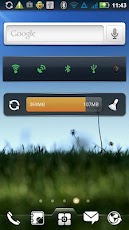
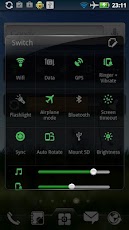
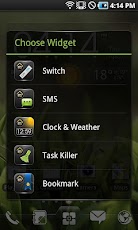
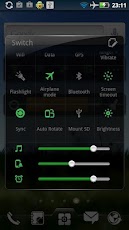
Notice: this widget is only supported by EZ Launcher, please install EZ Launcher first.Features:============Quick toggles for wifi,data network,GPS,bluetooth,auto refresh,screen lightness, flying mode, silent mode, etc.Widgets on Android work a bit differently than a normal application. Unlike regular programs they don’t just install themselves in the application tray so you have to add them manually. They will not open or launch.Here’s how to add a widget on your Android home screen.STEPS HOW TO ADD A WIDGET==========================1.On your Android home screen, tap any blank or
App Screenshots
Other Productivity Apps





