
| Price | Free |
|---|---|
| Category | Libraries & Demo |
| Version | 2.1 |
| Developer | M |
| Added | Dec 10th, 2011 |
| App Views | |
| Votes | 0 votes |
| Google Rating | |
| Ratings | 26 |
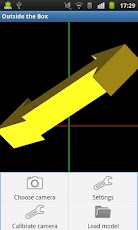
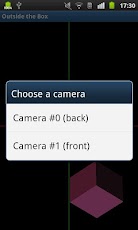
HOW TO USE:1. Select the camera used for head tracking from the menu. A front-facing camera is recommended but not required, there are options for camera calibration and mirroring if you want to use a back camera.2. Select "Calibrate camera" from the menu, hold the device in a comfortable position and touch the screen. You will have to do this once for every orientation.3. If the preview appears upside down, touch it to flip.This application is a demo for head tracking based 3D visualization. It was inpired by WiiDesktopVR by Johnny Chung Lee (http://www.youtube.com/watch?v=Jd3-eiid-Uw) and implemented as my MSc thesis.Tested on a Motorola Xoom and a Samsung Galaxy S Plus. Model loading powered by Rajawali.
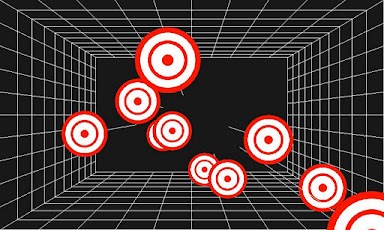
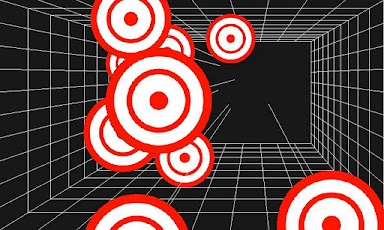
App Screenshots
Other Libraries & Demo Apps