

| Price | Free |
|---|---|
| Category | Productivity |
| Version | 1.0.3 |
| Developer | SquidZoo |
| Added | Sep 26th, 2011 |
| App Views | |
| Votes | 0 votes |
| Google Rating | |
| Ratings | 3 |
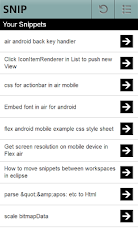
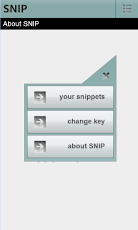
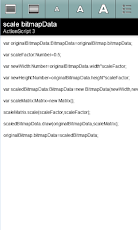
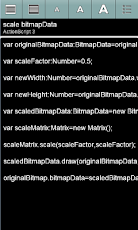
snip – for Snipplr – lets you access your code snippets on your Android phone. Use your Android phone as a code snippet look-up tool.Snip allows your to browse and read your Snipplr.com code snippets on your mobile phone in an easy and practical app.- Access all your public Snipplr snippets on your Android phone.- Customize your snippet viewing to maximize ease of viewing:- Read your code in portrait or landscape.- Choose between small, medium or large font size.- Switch to white text on black background for extra contrast.Installation:To use Snip, you need an account (free) with Snipplr.com. When you start Snip for the first time, you will be asked to enter your API key. You can find the API key on your settings page at Snipplr.com.Customer Support:For help please email us at [email protected]. We can help you via email only, since developers can’t post answers in the comments section on the android marketplace.Installation:Snip runs on Adobe Air, a free plugin for Flash and Flex contents for mobile phones. In the case your phone doesn’t have Adobe Air yet, you will be asked to install Adobe Air after you have installed nibbble. Adobe Air has more than 5 million downloads as of September 2011.Snip is open-source: https://github.com/GunnarKarlsson/Snip.
App Screenshots
Other Productivity Apps





