

| Price | Free |
|---|---|
| Category | Productivity |
| Version | 1.2.5 |
| Developer | SpocoLabs |
| Added | May 17th, 2011 |
| App Views | |
| Votes | 0 votes |
| Google Rating | |
| Ratings | 20 |
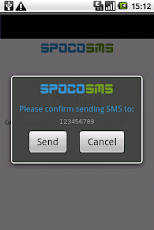
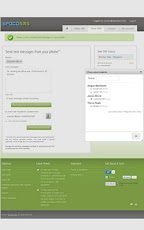
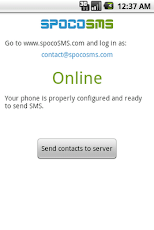
Write a SMS quickly and easily.Use any web browser to write a SMS on your computer, then send it from your phone.Use your phone as SMS gateway.How does it work:1. Install the application on your phone and register on the SpocoSMS website.2. Log in to your SpocoSMS account on a computer and also on your mobile.3. Write your message using SpocoSMS site, then transmit it to your phone.4. After receiving the message on your phone, add recipients and send your SMS!sms pc, sms browser, easy sms, fast sms, sms gateway
App Screenshots

Other Productivity Apps





